I Tested 3 Ways to Give Claude a Browser. The Fastest Never Loaded the Page. | Edition 334
Edition 334 — One JavaScript page, three tools: a free local browser, a cloud agent, and a cached copy that looked perfect.
When you ask Claude to read a website, something has to open that page. For a plain article, that's easy. For anything built with modern JavaScript — store pages, dashboards, sites that load content as you scroll — the AI needs a real browser to run that code first.
Most people never think about which browser is doing that job. I wanted to know, so I ran a small test: one web page, three tools that can give Claude a browser, and the exact same request to each. One of the results changed how I'll use these tools.
The three contenders
Obscura is a free, open-source browser built for AI agents and scrapers rather than people. It's written in Rust, it has no window, and it runs real JavaScript using V8 — the same engine inside Chrome. It ships with its own MCP server, the standard way tools plug into Claude. It's Apache-2.0 licensed and has passed 22,000 stars on GitHub.
Composio Browser Tool runs in the cloud. You describe a task in plain English, and an AI agent drives a real browser to complete it, with a live link so you can watch.
Composio Fetch is the simplest. Hand it a web address and it returns the page as clean text. Composio's own tool description says it's powered by Exa, a search and web-content service.
The test
I used quotes.toscrape.com/js — a practice site kept online for people learning and testing web scraping. On this version of the page, the quotes are generated by JavaScript, so a tool that doesn't run the page's code has nothing to read.
The request was the same for all three: get the quotes, the authors, and the tags. The full scorecard is further down.
Surprise #1: The fastest tool never visited the page
Composio Fetch came back instantly with all 10 quotes and their authors. It looked perfect.
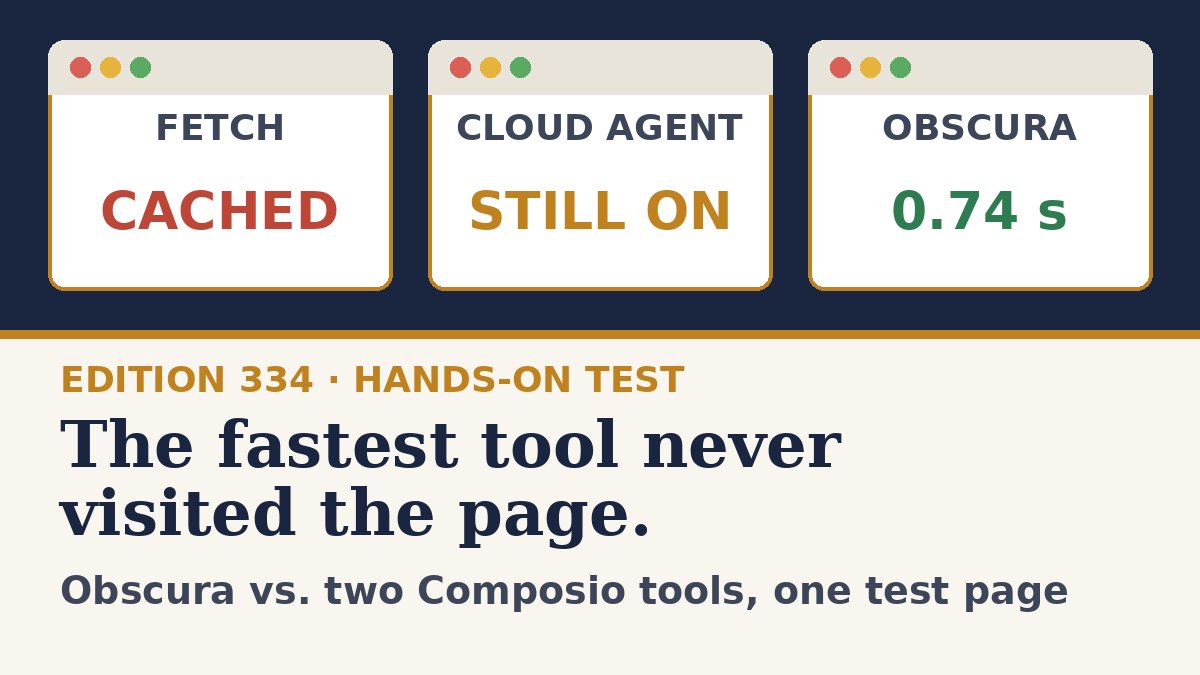
Then I read the status on the result: cached. Fetch never loaded the page. It returned a copy it already had on file. It also left out every tag, so I got readable text but lost part of what was actually on the page.
On a practice site, that doesn't matter. On a price page, a flight status, or a story that changed an hour ago, a saved copy looks exactly like a fresh one — and nothing in the answer tells you the difference unless you go looking.
Surprise #2: The cloud browser kept running
The Browser Tool got it right. It returned the first five quotes I asked for, with the correct authors and tags, and correctly counted 10 quotes on the page. Its browser step took about four seconds.
But it took three separate calls — start the task, check on it, stop it — and when the answer came back, the browser session was still active. I had to shut it down myself. On any service that bills for usage, a forgotten session is money spent on a browser doing nothing.
It's also worth knowing where that answer came from. The Browser Tool's reply was written by the agent summarizing what it saw. It was accurate here, but on a big job, that's one more place for a small error to slip in.
Surprise #3: The free one was the most complete
I installed Obscura on my Mac by pasting one set of instructions into Claude Code and letting it do the work. Then I ran the same page through it.
It returned all 10 quotes with every author and every tag. When I asked for structured data, it pulled the exact text straight out of the page — no AI rewriting anything in between.
Three runs took 0.754, 0.742, and 0.743 seconds, including startup and loading the page over the internet. Obscura's own GitHub page lists page loads around 85 milliseconds. My end-to-end number was slower than that, but still fast, and remarkably consistent. Quote what you measure, not what the box says.
| Composio Fetch | Composio Browser Tool | Obscura | |
|---|---|---|---|
| Got all 10 quotes | Yes | Returned the 5 requested, counted all 10 | Yes |
| Got the tags | No | Yes | Yes, all 10 |
| Visited the page live | No — returned a cached copy | Yes | Yes |
| Speed | Instant (cached) | About a 4-second browser step, plus polling | 0.74–0.75 seconds per run |
| Calls needed | 1 | 3 (start, watch, stop) | 1 command |
| Left anything running | No | Yes, until stopped | No |
| Where it runs | Composio's cloud | Composio's cloud | Your own computer |
| Cost | Composio usage | Composio usage | Free |
What Obscura can't do
- It runs on your own computer. That's why it's free, and it's also the biggest limit. It works with Claude Code and with local tool setups in the Claude desktop app. It won't work as a custom connector in Claude on the web: Anthropic's help center says those connections come from Anthropic's cloud and need a server reachable over the public internet.
- It's young. The project changes quickly, and its own README says some pages may render differently than they do in Chrome.
- Skip stealth mode. Obscura offers a build designed to avoid bot detection, and the project's sponsors include proxy providers. Use it on public pages, and respect each site's rules.
How to try it in five minutes
You don't need to be a developer. On a Mac, open Claude Code in Local mode, pick a folder, and paste this:
Install Obscura (https://github.com/h4ckf0r0day/obscura) on this Mac without sudo. Detect my chip, download the matching latest macOS release into ~/obscura, keep obscura and obscura-worker in the same folder, make both executable, and confirm it works by fetching https://example.com. Then register it for all projects with claude mcp add obscura --scope user, pointing at the full path to obscura with the argument mcp. Show me claude mcp list when you're done. If anything fails, show the exact error and stop.Click Allow when it asks to run commands. When it finishes, fully quit Claude Code and reopen it. Then ask: Use Obscura to open quotes.toscrape.com/js and give me the first 5 quotes with authors and tags. Say “use Obscura” — otherwise Claude may reach for its regular web tools instead.
Which one should you use?
- Reading an article or documentation: a fetch tool is fine. Just don't trust it for anything time-sensitive.
- Logging in, clicking, or filling out forms from Claude on the web: a cloud browser agent. Always make sure the session stops.
- Pulling exact data from lots of pages on your own computer: a local browser like Obscura.
The bigger lesson isn't about any one tool. When an AI tells you what a web page says, ask one question first: did it actually look?