Why Your AI Agent Needs Its Own Email Address | Edition 355
Edition 355 — Gmail was built for one person typing. AgentMail and Resend are built for software that sends, reads and remembers.
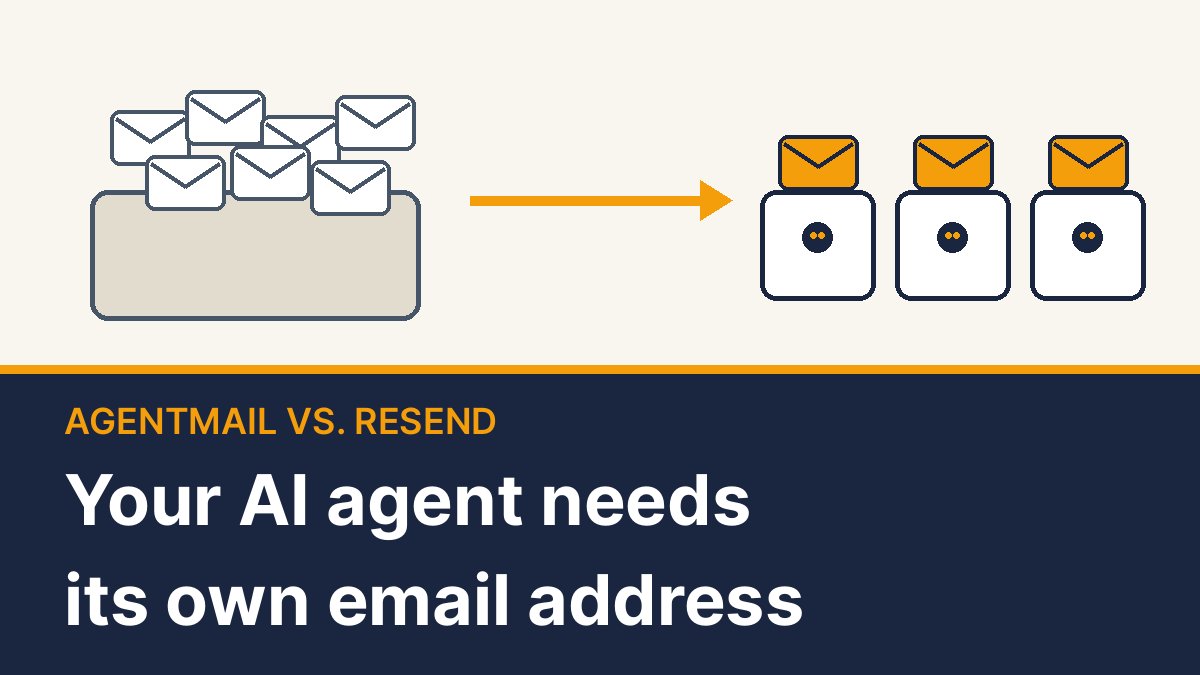
Picture an AI assistant whose whole job is chasing supplier quotes. It emails ten vendors, reads every reply, nudges the slow ones, and tells you who came in cheapest.
The obvious move is to hand it your Gmail login. That’s the move to skip.
Email is the one channel nearly every business on earth still answers, which makes it the fastest way for an AI agent to get real work done. But Gmail was designed for one human typing one message at a time. An agent is a different kind of user, and a new category of service has appeared to give it a proper inbox of its own. The leader is AgentMail, a Y Combinator startup that raised $6 million in March. Its newest rival is Resend, which launched agent inboxes last week.
Sending: your reputation stops being on the line
Gmail caps you at 500 emails a day on a free account and 2,000 on Google Workspace, and everything your agent sends comes out of the same allowance you use. If the agent misfires, it’s your account that gets flagged. A dedicated agent inbox sends from its own address with its own limits, so a runaway script can’t lock you out of your own email.
Receiving: the agent hears the doorbell
For an agent to notice a reply in Gmail, it either keeps checking (“any new mail? any new mail?”) or someone wires up Google Cloud’s notification system. AgentMail and Resend push each new message to the agent the moment it lands. Think doorbell instead of walking out to the porch every five minutes. That’s what lets a support agent answer a customer in under a minute.
Storing: the agent remembers, and only what’s its own
An agent is only as good as its memory. Both services keep every message grouped into threads, so when a vendor replies three days later, the agent has the whole conversation in front of it. Just as important, the agent sees only its own inbox. Connect an agent to your Gmail and it can typically read everything in there: bank alerts, your doctor’s emails, all of it.
Scaling: one line of code per inbox
Need an inbox per customer, per project or per agent? AgentMail creates one with a single line of code. In Gmail, every new address is a new account, and on Workspace, a new $7-a-month seat.
Try it below: set how many inboxes you need and how much mail they send, and see what each option costs.
AgentMail vs. Resend: which one?
They solve the same problem from opposite directions.
AgentMail is built around the inbox itself. Each one comes with threads, labels, drafts, scheduled sending, attachments and storage (10 GB on the $20 plan). An agent can even sign itself up and create its own inbox with no human involved. It’s the stronger pick when you’re running many agents, each with its own address. The free plan gives you 3 inboxes and 3,000 emails a month, but messages carry a “Sent via AgentMail” footer and you can’t use your own domain. The next step up from $20 is steep: $200 a month for 150 inboxes.
Resend started as a sending service and added inboxes on October 22. Its twist: people and agents work the same threads side by side. Teammates can assign conversations, leave notes and take over when the agent gets stuck, and a built-in agent can be set up to triage incoming mail. Every plan includes 3 inboxes, and extras cost $1 a month on paid plans. The catches: inbox mail counts against your sending allowance, its pricing page lists 30-day data retention on self-serve plans (confirm that before relying on it for long-running conversations), and the product is a week old.
The simple rule: many agents, each working alone, go with AgentMail. A team where humans and an agent share one support or sales inbox, or a business already sending through Resend, go with Resend.
Two more options
Nylas Agent Accounts gives an agent both an email address and its own calendar, which suits scheduling bots, starting at $15 a month. Cloudflare’s Email Service is the cheapest pipe, a $5 monthly plan plus about 35 cents per 1,000 emails after the first 3,000, but you build the inbox yourself and it’s still in beta.
The honest downsides
Any inbox an agent reads is a door anyone can knock on. A cleverly written email can try to trick your agent into doing something it shouldn’t, so turn on allowlists and keep a human approving anything that spends money or shares sensitive information. Spam is a real concern too. Replying on Hacker News, a member of AgentMail’s founding team wrote that “there will be bad actors who come up with creative ways to scheme”, and any business that blasts cold email from agents will burn its reputation fast, whatever service it uses.
Neither service is click-and-go for non-coders yet. But both plug into Claude and other AI tools through MCP, so an AI coding assistant can handle most of the setup for you.
| Claim | Figure | Source |
|---|---|---|
| AgentMail seed round | $6 million, March 2026, led by General Catalyst | TechCrunch, March 10, 2026 |
| Resend Inboxes launch | October 22, 2026 | Resend blog |
| Gmail daily sending cap | 500 (free) / 2,000 (Workspace) | Google Workspace Admin Help |
| Google Workspace Business Starter | $7 per user per month, annual plan | Google Workspace pricing |
| AgentMail Free | 3 inboxes, 3,000 emails/month, footer, no custom domains | AgentMail pricing page |
| AgentMail Developer | $20/month: 10 inboxes, 10,000 emails, 10 GB, 10 domains | AgentMail pricing page |
| AgentMail Startup | $200/month for 150 inboxes | AgentMail pricing page |
| Resend inboxes | 3 included; $1 per extra inbox on paid plans; counts against sending quota | Resend pricing page |
| Resend Pro | $20/month, 50,000 emails, 30-day data retention | Resend pricing page |
| Nylas Agent Accounts | From $15/month | Nylas |
| Cloudflare Email Service | $5/month Workers Paid + ~$0.35 per 1,000 after 3,000; beta | Cloudflare docs |
Bottom line
If your agent sends a handful of emails a week, Gmail is fine. The moment it needs to send at volume, hold real conversations or run alongside other agents, give it an address of its own. Your inbox will thank you.